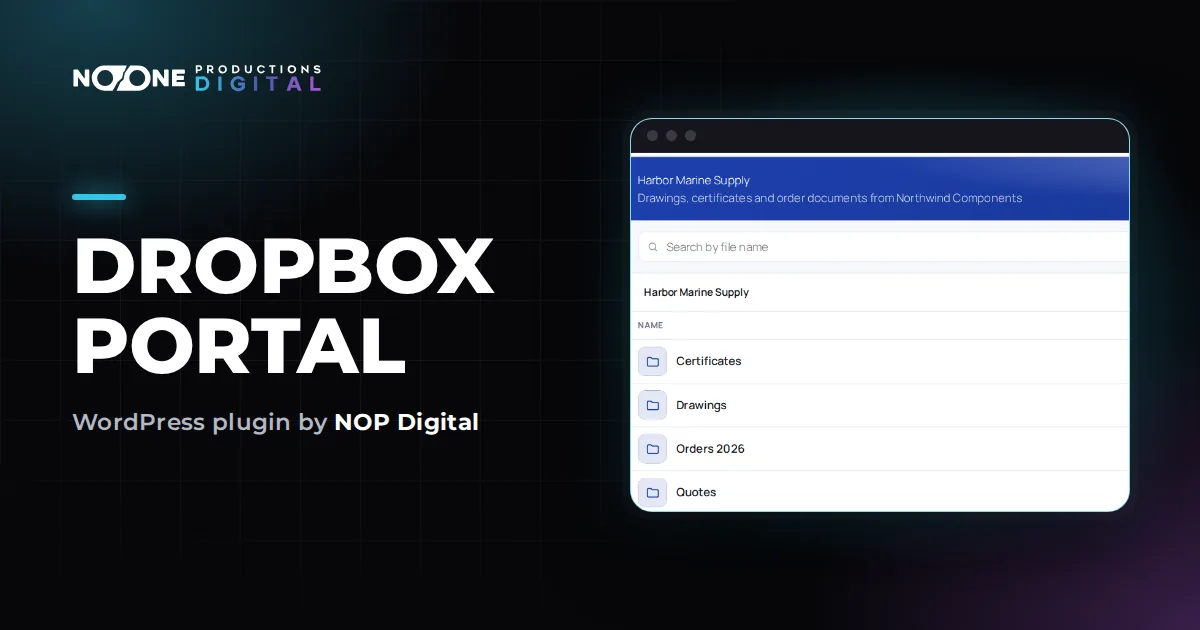
Dropbox Portal
How to Build a WordPress Client Portal with Dropbox Folders
How to give every client a private area on your WordPress site backed by your Dropbox folders, with the options compared and a full setup walkthrough.
7 min readReal problems of business websites, solved step by step. Every option explained honestly, not only ours.
How to give every client a private area on your WordPress site backed by your Dropbox folders, with the options compared and a full setup walkthrough.
7 min readPublic share links can be forwarded and never expire. Here are the safer ways to share client files with Dropbox, and when a private area on your site is the better fit.
6 min readPhotographers, video makers and studios: compare the ways to deliver finished work and set up a private client area on your own WordPress site, fed by Dropbox.
6 min read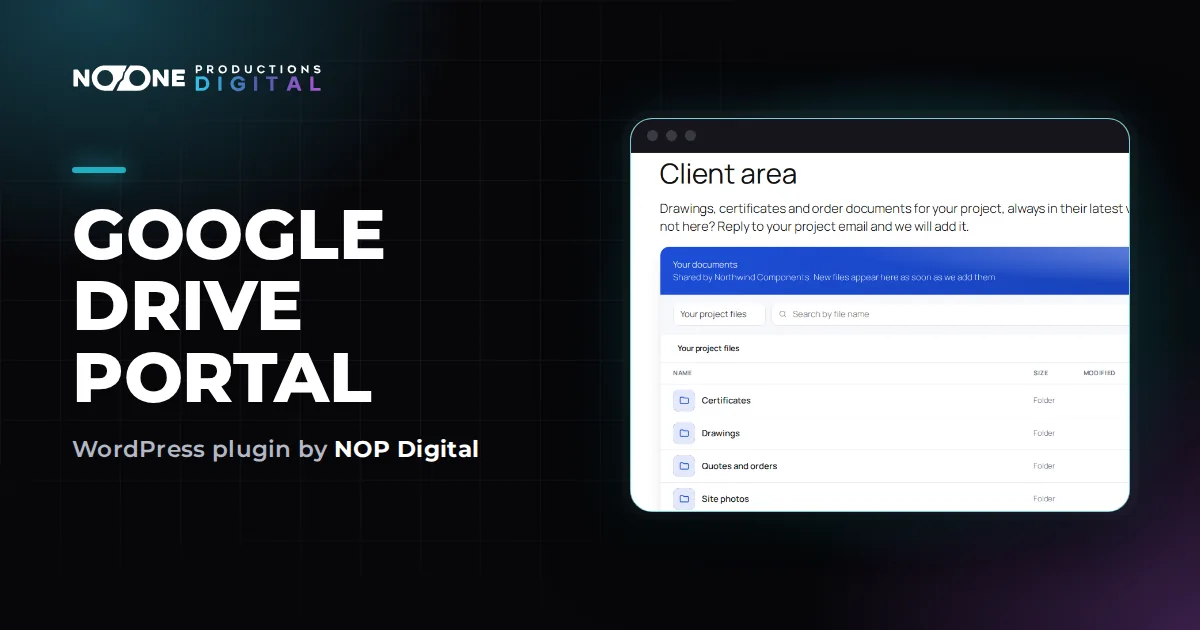
The free iframe that embeds a Drive folder, its limits, the plugin options, and how to show a Google Drive folder on WordPress only to users who are logged in.
8 min readGive clients, dealers or staff a private document area on your own website, backed by the Google Drive folders you already use. Options compared and a full setup.
7 min readWhy so many Google Drive connections on websites stop after a week or show an unverified app warning, and what a service account does differently, without jargon.
7 min read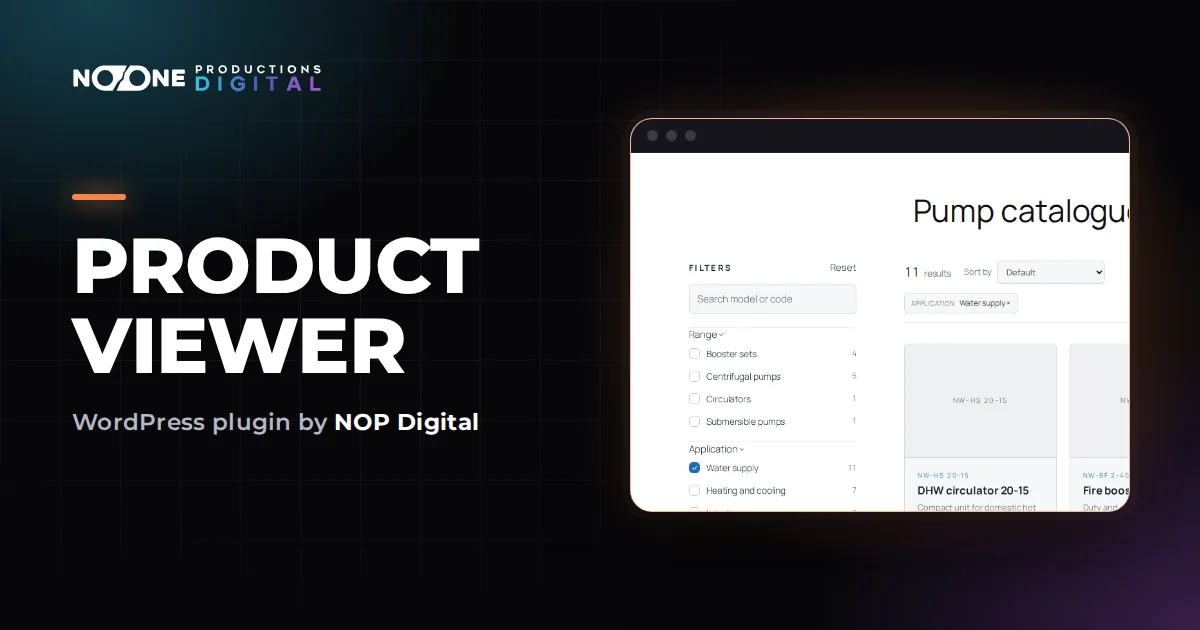
Need to show your range but not sell online? The four ways to build a product catalogue in WordPress without WooCommerce, compared honestly, with steps.
6 min readFilters decide whether buyers find the right model on their own. How to design them for a technical catalogue, and the ways to add them in WordPress.
6 min readTurn an Excel price list into WordPress products: how to prepare the sheet, save a clean CSV, import it with a dry run and avoid the usual errors.
6 min read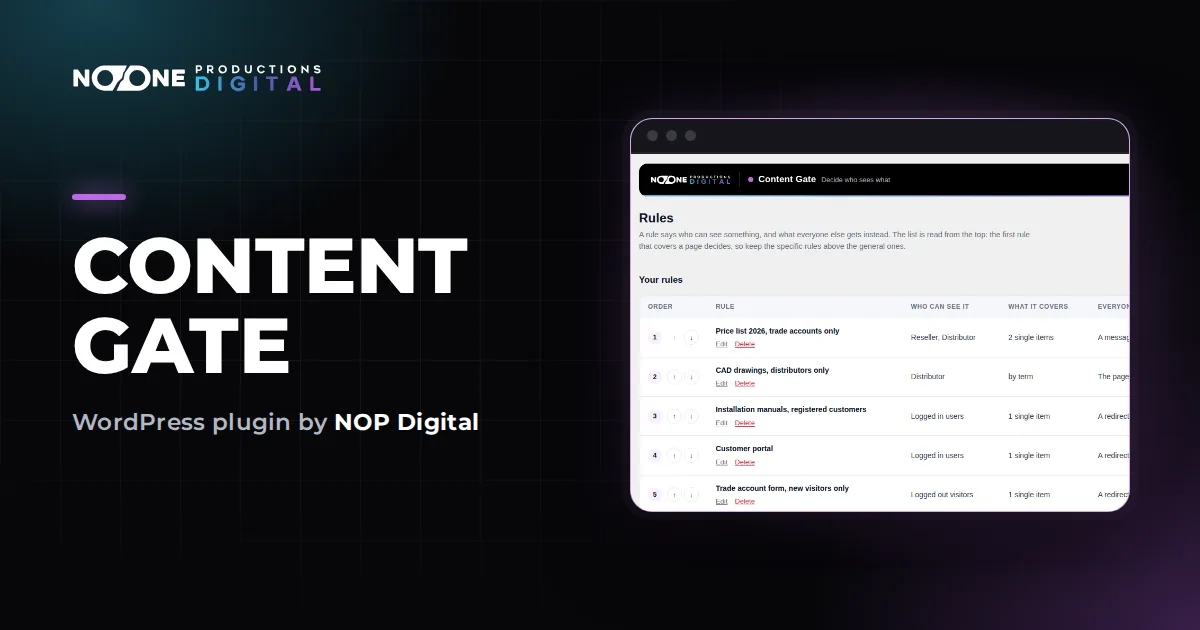
WordPress has no built-in way to show a page to one role only. Here is how roles work, the real options, and how to set up a role rule step by step.
7 min readA reserved area for people you already know does not need payments and levels. Accounts, one login rule and a login link are enough. Here is the setup.
6 min readHide by screen size or decide on the server? The two approaches compared, how to set up each one, and why page caching and Google's mobile indexing matter.
6 min read
Moving the login page away from wp-login.php cuts bot noise but is not full protection. The options, safe steps and how to get back in if you are locked out.
7 min readTurning comments off in Settings only affects new posts. Here is every place comments hide in WordPress and how to close them all, by hand or with one switch.
6 min readA maintenance page should answer with a 503 so Google comes back later. When to use it instead of a coming soon page, and how to switch it on with or without a plugin.
7 min read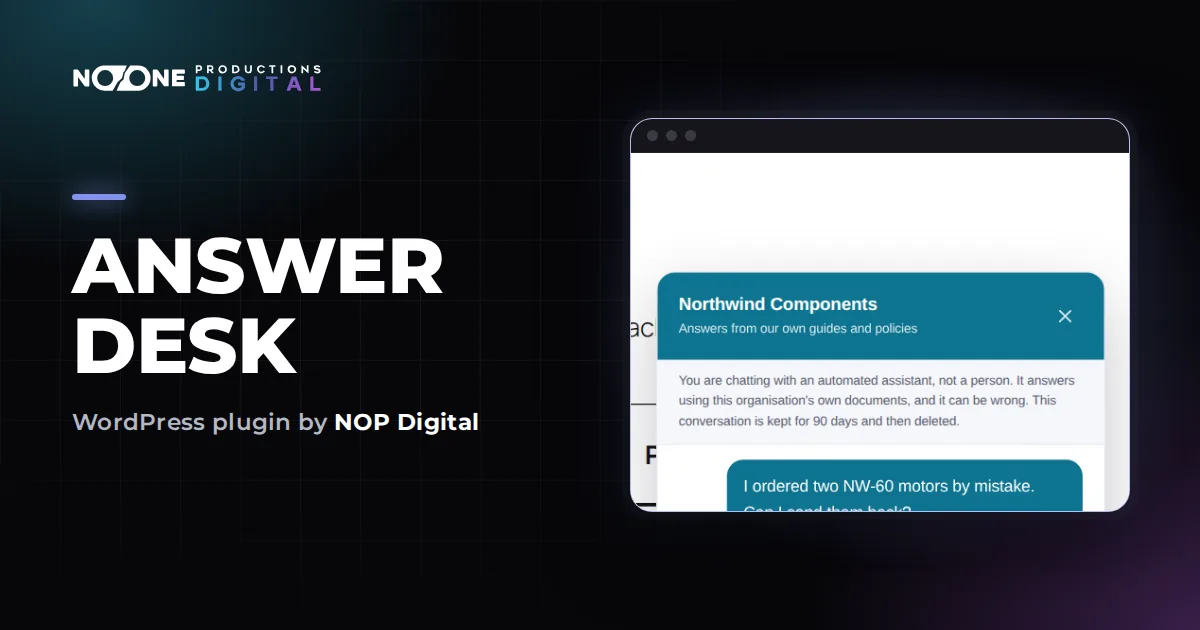
A chatbot "trained on your documents" usually finds the right paragraph first, then lets the AI write the answer. How it works, and how to set one up on WordPress.
8 min readWhat an EU business website with an AI chat must do under the AI Act and GDPR: the AI notice, the privacy notice, how long to keep chats, and your AI provider.
7 min readClaude, ChatGPT, Gemini, Mistral or OpenRouter for a support chat? What really matters (data policy, EU processing, cost per conversation) and which fits which case.
8 min read