A GDPR cookie banner on a WordPress site has one real job: to stop analytics, advertising pixels and embedded videos from loading until the visitor has said yes. The text and the buttons come second. A banner that shows a nice message while Google Analytics is already running is the most common problem regulators find, and no wording can fix it.
This guide lists what the rules ask for, what European data protection authorities check in practice, and how to test your own site in ten minutes. It is general information, not legal advice.
Which rules apply to cookies
Two European texts work together.
- The ePrivacy Directive, Article 5(3), says that storing information on a visitor's device, or reading it, needs consent, unless it is strictly necessary for the service the visitor asked for. This covers cookies, but also local storage, pixels and fingerprinting. You can read it on EUR-Lex.
- The GDPR defines what valid consent is: freely given, specific, informed and unambiguous, given by a clear action (Article 4(11)). Article 7(3) adds that withdrawing consent must be as easy as giving it. The full text is on EUR-Lex too.
Each country applies the directive through its own law and its own authority: the CNIL in France, the Garante in Italy, the AEPD in Spain, the state authorities in Germany. The details change a little from country to country. The core does not.
What a compliant banner must do
1. Block before consent
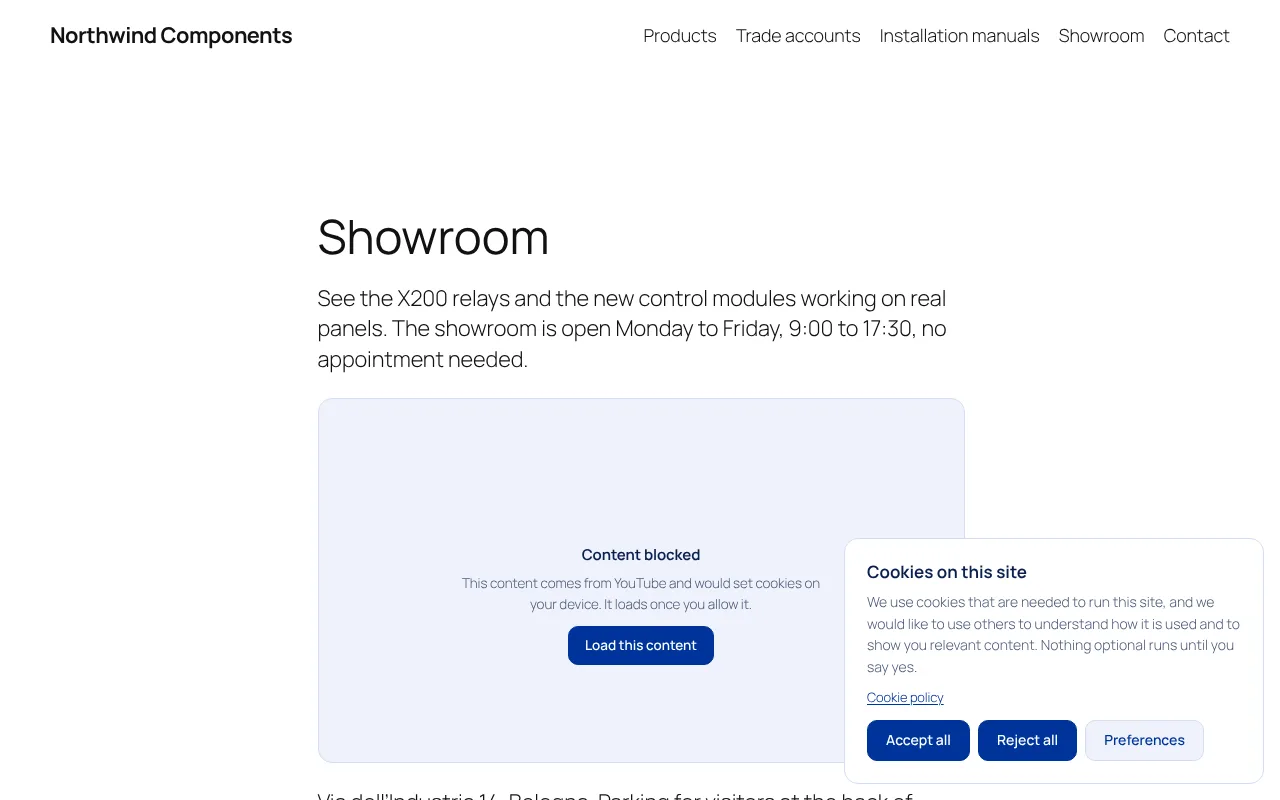
Nothing that needs consent may run before the visitor chooses. On a WordPress site this usually means the Google Analytics or Tag Manager snippet, the Meta Pixel, embedded YouTube videos, Google Maps, chat widgets and external fonts. If any of these load on the first page view, the banner is decoration. See how to block Google Analytics until consent for the details on Google tags.
2. Reject as easy as Accept
A Reject all button belongs on the first screen, next to Accept all, with the same size, colour and weight. A grey link hidden under the text, or a reject option only inside a second panel, is what most authorities object to. In January 2023 the European Data Protection Board published the report of its cookie banner taskforce, and a large majority of the authorities agreed that a missing reject button on the first layer is a breach.
The French CNIL had already made the point with numbers: at the end of 2021 it fined Google 150 million euros and Facebook 60 million euros because refusing cookies took more clicks than accepting them (summary by Hunton).
3. Categories, switched off by default
Visitors must be able to accept statistics and refuse marketing, for example. The usual groups are Necessary, Preferences, Statistics and Marketing. Every box except Necessary starts unticked: the Court of Justice of the EU ruled in the Planet49 case (C-673/17, 2019) that a pre-ticked box is not valid consent.
4. Honest categories
Putting an analytics tool or an ad pixel in "Necessary" so that it runs without asking is one of the practices the EDPB taskforce listed. Necessary means the site does not work without it: the session cookie of a shopping cart, a login, a payment form, a spam check on a contact form.
5. Clear information
The banner says in plain words what you use and why, and links to a cookie policy that lists each service, its purpose and who runs it. Vague phrases like "to improve your experience" do not count as informed.
6. A way to change your mind
Visitors must be able to withdraw consent at any time, as easily as they gave it. In practice that means a small button that stays in a corner of every page, or a "Cookie settings" link in the footer that reopens the banner.
7. Proof of consent
Under Article 7(1) of the GDPR, you must be able to show that a visitor consented. A consent log with date, time, the categories chosen and an anonymous ID is the simplest way to do it, without storing IP addresses.
8. A sensible expiry
A choice should not last forever, and the banner should not come back at every visit either. Six to twelve months is the range most authorities mention. The Italian Garante's guidelines of 10 June 2021 add two local details: closing the banner with an X counts as a refusal, and after a refusal the banner should not be shown again for at least six months unless something important changes.
What does not need consent
Strictly necessary cookies and storage can run without asking: shopping cart, login session, language choice the visitor made, load balancing, security tokens, the cookie that remembers the consent itself. You still mention them in the cookie policy.
Some authorities, such as the CNIL and the Garante, allow audience measurement without consent under strict conditions: data used only for your own statistics, not combined with other data, IP addresses shortened, and no transfer that lets the provider use it for its own purposes. A standard Google Analytics setup does not meet those conditions, so plan to ask for consent.
Test your site in ten minutes
- Open the site in a private browser window, so no earlier choice is stored.
- Open the developer tools (F12 in most browsers), go to the Network tab and reload the page.
- Before clicking anything on the banner, type
google,facebookandyoutubein the filter box. Requests togoogle-analytics.com,googletagmanager.com,connect.facebook.netoryoutube.commean those services load before consent. - In the Application tab, look at the cookies. Names like
_ga,_gidor_fbpbefore any click are a problem. - Click Reject all, reload, and check again: nothing new should appear.
- Look for the way back: a button or footer link that reopens the banner.
If step 3 or 4 shows trackers, the fix is not in the banner text. It is in the blocking.
Doing it on WordPress
WordPress has no cookie banner of its own, so you need a plugin. When you compare them, check the points above instead of the design: does the plugin block scripts and embeds before consent, or only show a message? Can you hide or weaken the Reject button? (A good plugin will not let you.) Does it keep a consent log? Does it send Google Consent Mode v2 signals?
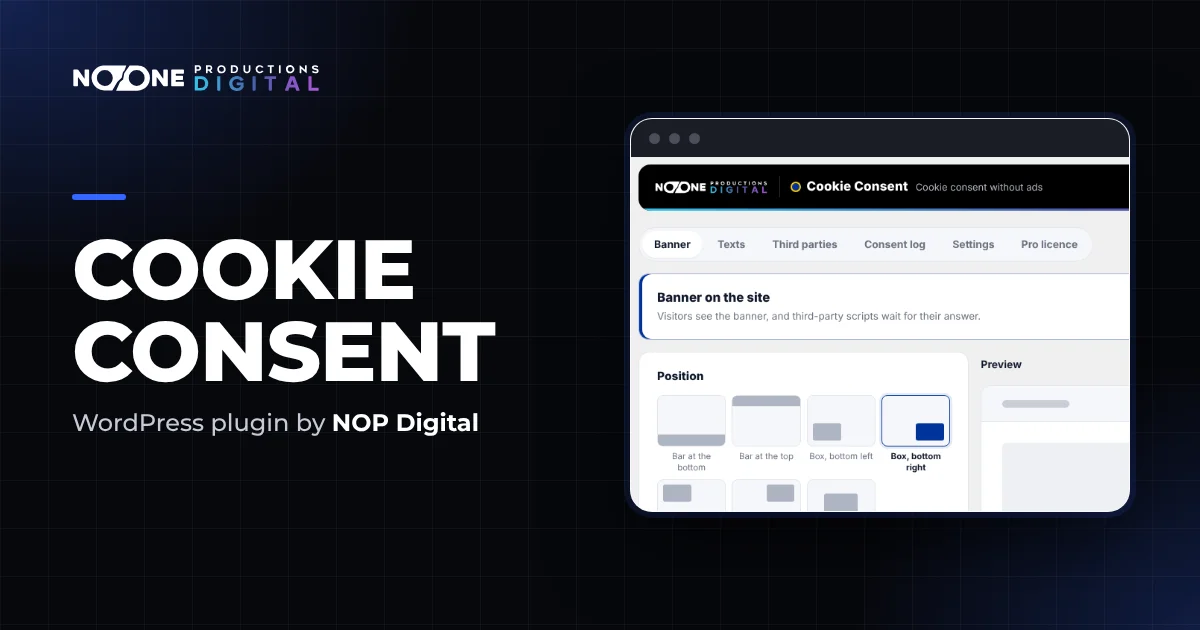
Our Cookie Consent plugin was built around those checks. It removes the trackers from the page on the server, before the page leaves your site, and puts back only what the visitor allowed, so it also works with page caching. Accept and Reject always have the same look, and the free version already covers blocking, categories, Consent Mode v2 and the cookie policy page.
To set it up, follow Set up the banner in five minutes. The consent log and the site scan are part of Pro.
Checklist
- No analytics, pixel, video or map loads before a choice.
- Reject all on the first screen, same look as Accept all.
- Categories off by default, Necessary used only for what is really necessary.
- A cookie policy that names each service.
- A button or link to change the choice on every page.
- A record of each consent, without IP addresses.
- The banner asks again after six to twelve months, or when you add a service.
Most sites fail on the first two items. Fix those, and the rest is an afternoon of work.
Frequently asked questions
Does every WordPress site need a cookie banner?
Only if it uses cookies or similar storage that are not strictly necessary. A site with no analytics, no embedded videos or maps, no external fonts and no ad pixels may not need one. Most business sites use at least one of these, so in practice they do.
Is a banner with only an OK button enough?
No. An OK or Got it button gives no real choice. European authorities expect a Reject option on the first screen, as easy to use as Accept, and trackers that stay off until the visitor accepts.
How long does cookie consent last?
The law sets no fixed number. Authorities usually point to six to twelve months. Ask again sooner if you add a new service or change what an existing one does.
Do I need to keep a record of consent?
The GDPR says you must be able to demonstrate that a person consented. A consent log with date, time, choices and an anonymous ID is the practical way to do it.